Full Description
View Full Description
Learn faster with an intuitive workflow
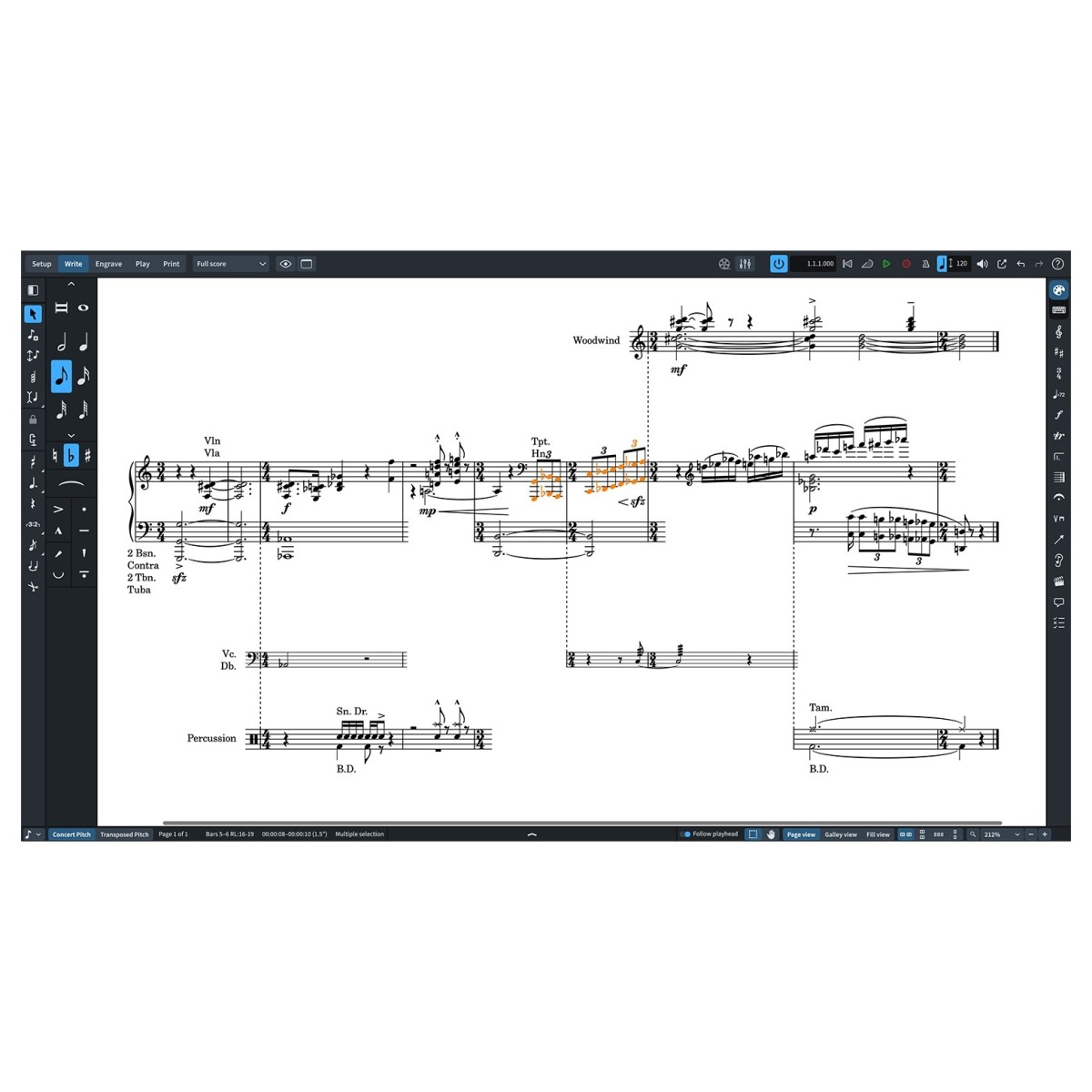
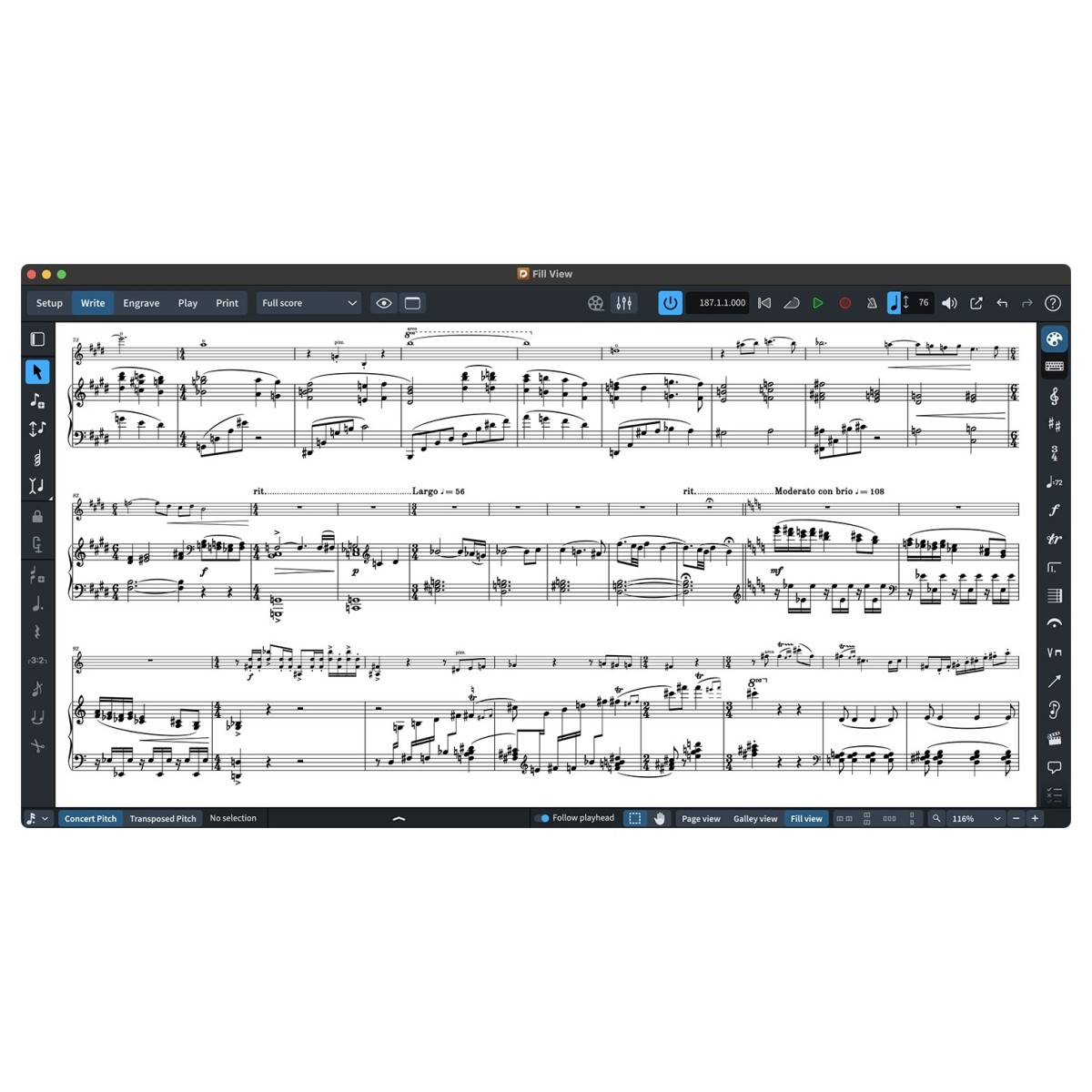
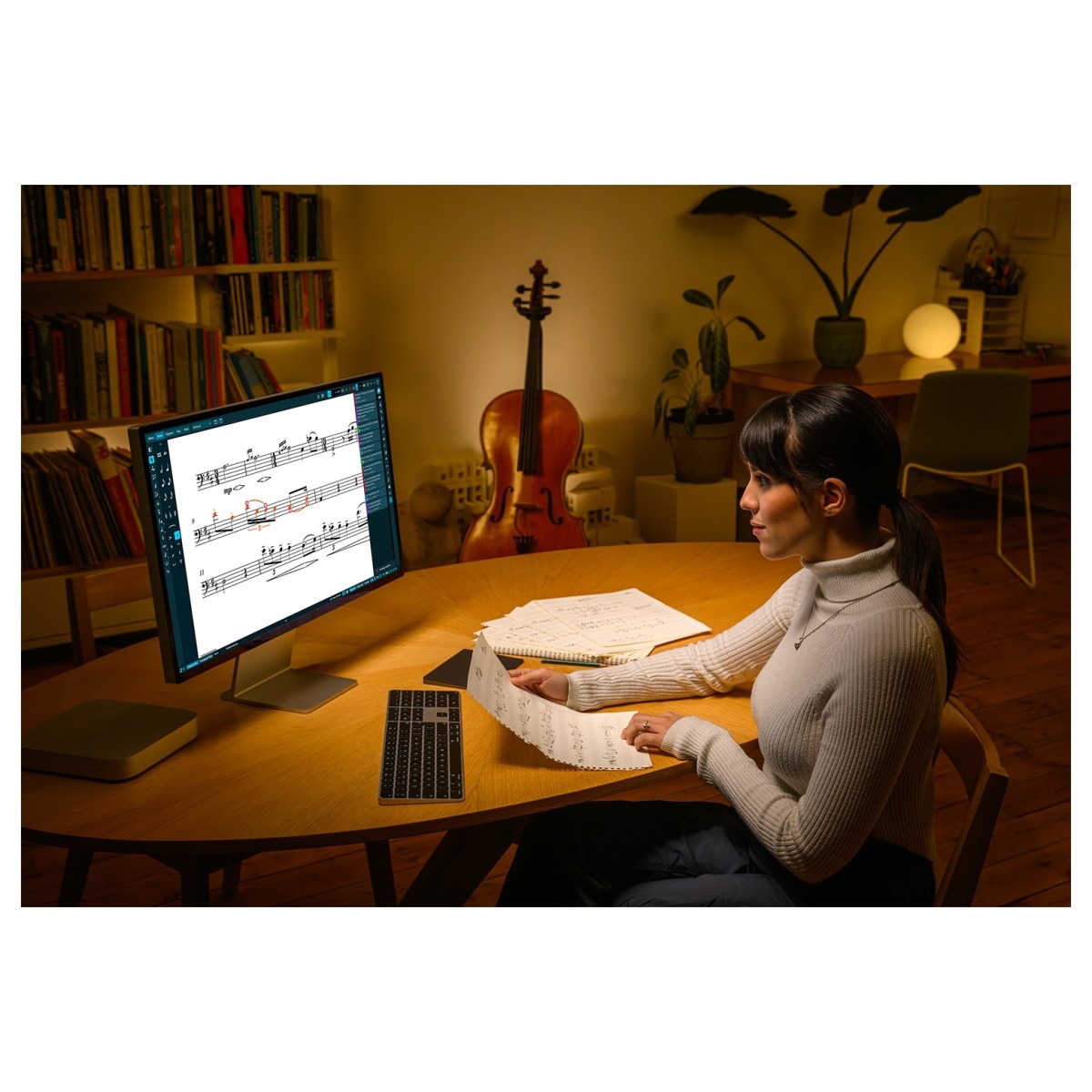
Dorico Elements 6 is built for composers who want professional notation software without the steep learning curve. Its uncluttered interface and intelligent workflow make it easy to start writing straight away, while automatic handling of many notation tasks keeps you focused on your music instead of formatting. Designed to be your creative partner whether you're creating your first arrangement or scoring a school ensemble, the software helps you work quickly without feeling restricted. As your confidence grows, you'll discover more advanced tools ready to support increasingly detailed projects, making Dorico Elements an ideal long-term platform for developing your composing skills.
Grow into advanced notation tools
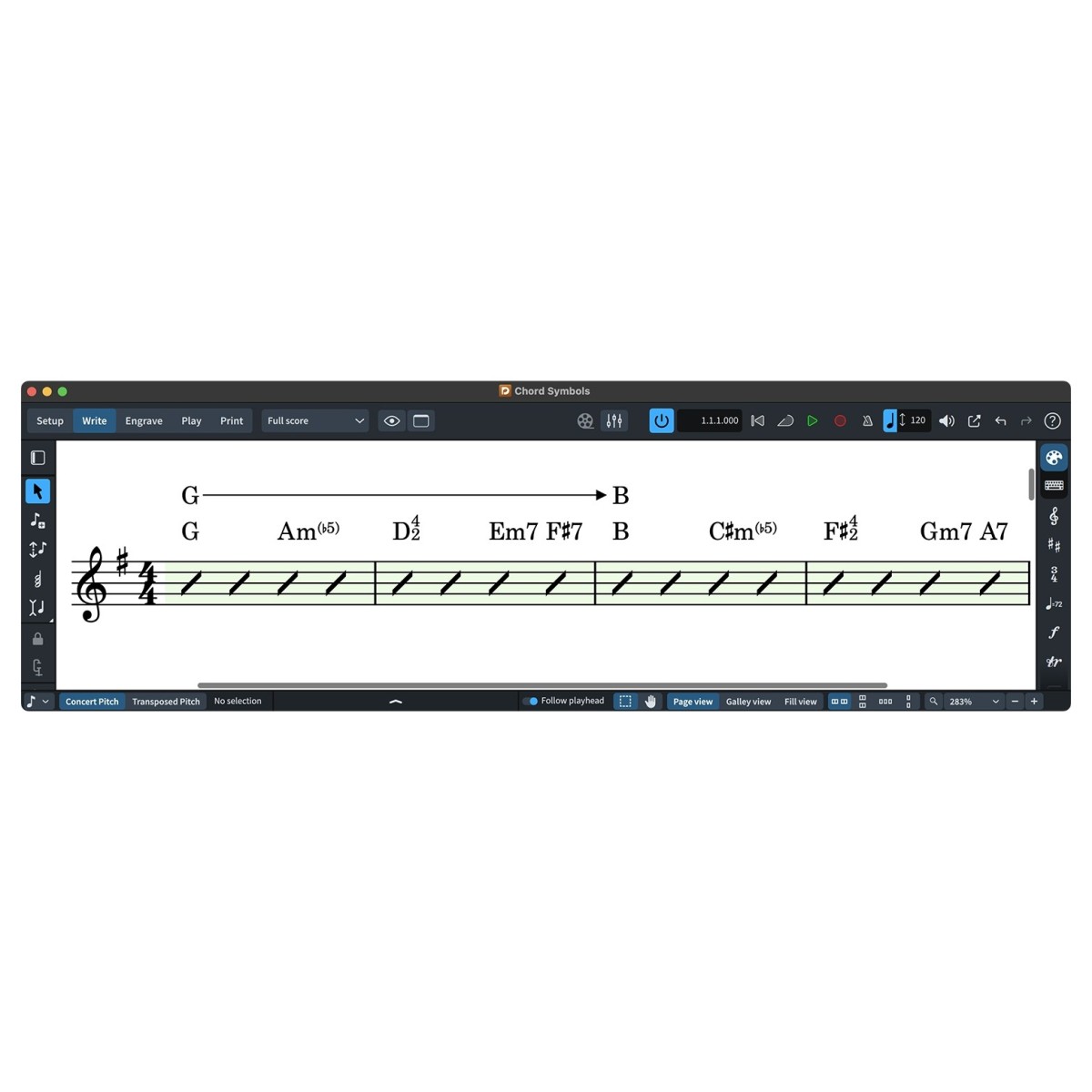
While Dorico Elements 6 is easy to learn, it doesn't limit your creative control. Engrave mode allows detailed graphical editing, so you can adjust spacing, positioning, and layout for polished, performance-ready scores. Fully customisable chord symbols and interchangeable music and text fonts let you tailor your notation for jazz, pop, classical, or educational settings. The result is software that feels approachable from the first session, while giving you the flexibility to refine every detail as your experience grows.
Compose without creative limits
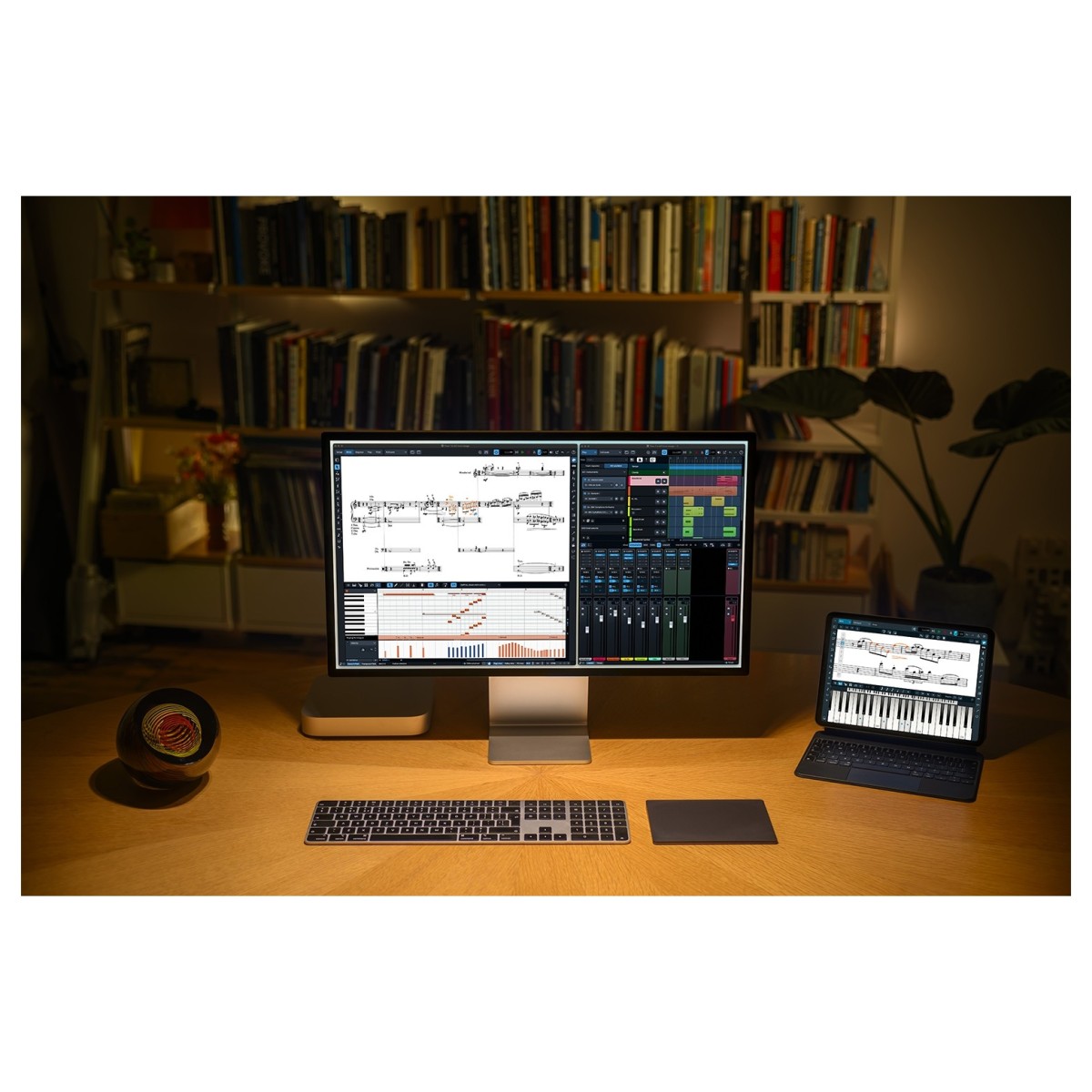
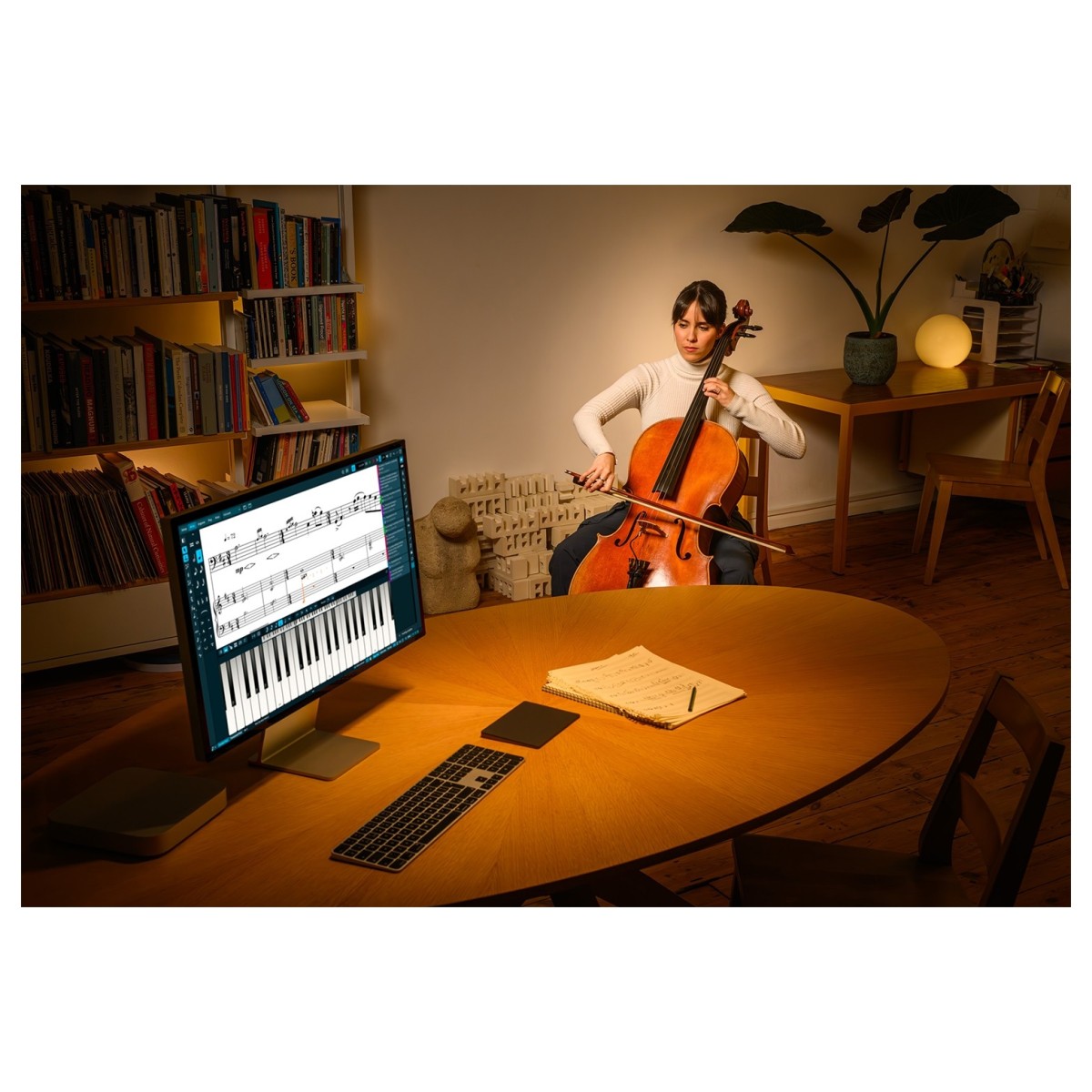
Unlike entry-level notation software with player restrictions, Dorico Elements 6 lets you write for ensembles of any size. From solo piano pieces and chamber groups to choirs, concert bands, and orchestral works, you can develop larger projects without changing software. Flexible note entry via mouse, computer keyboard, or MIDI controller adapts to the way you prefer to work, helping you capture musical ideas quickly and naturally. It's a workflow designed to keep pace with your creativity rather than interrupt it.
Hear, refine, and improve your music
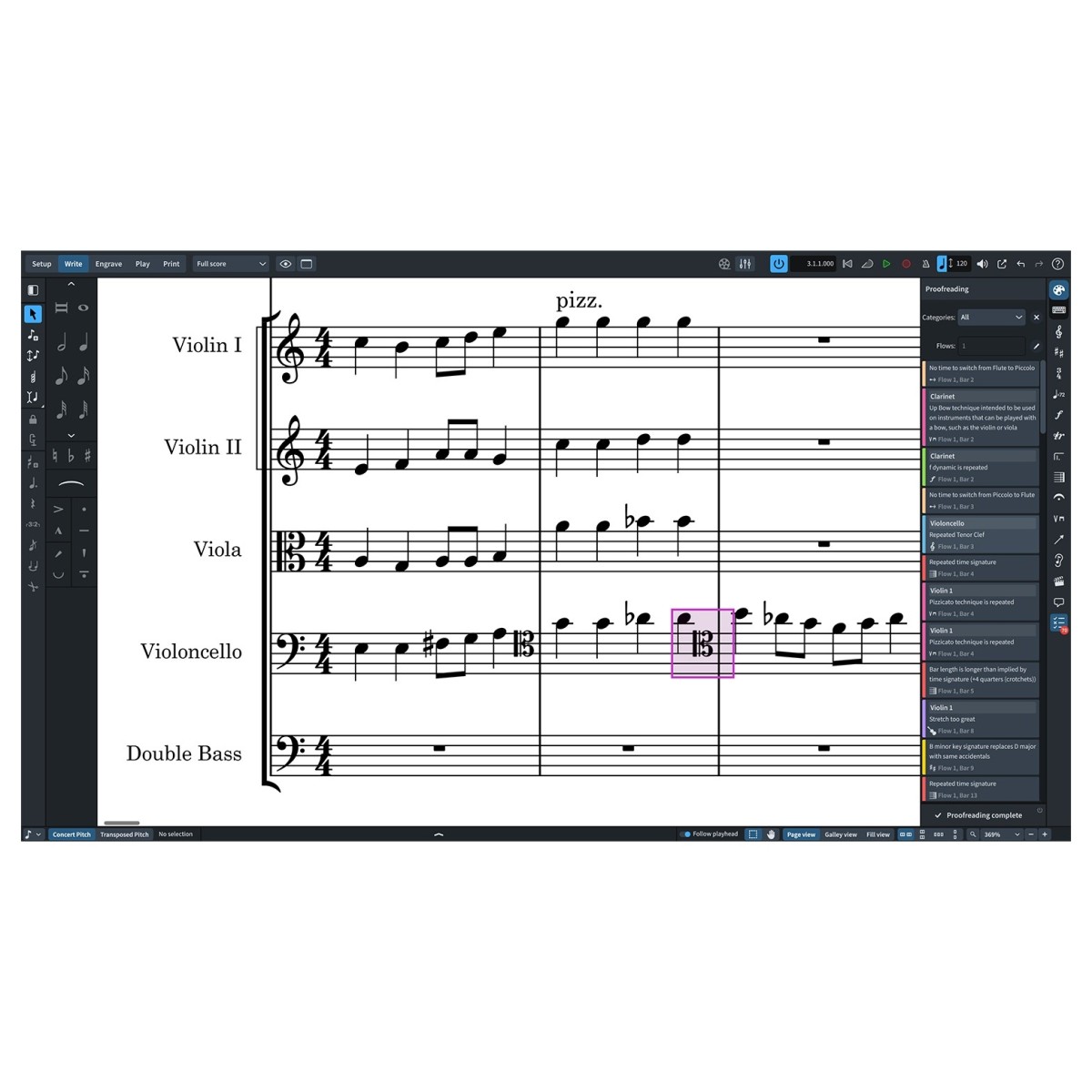
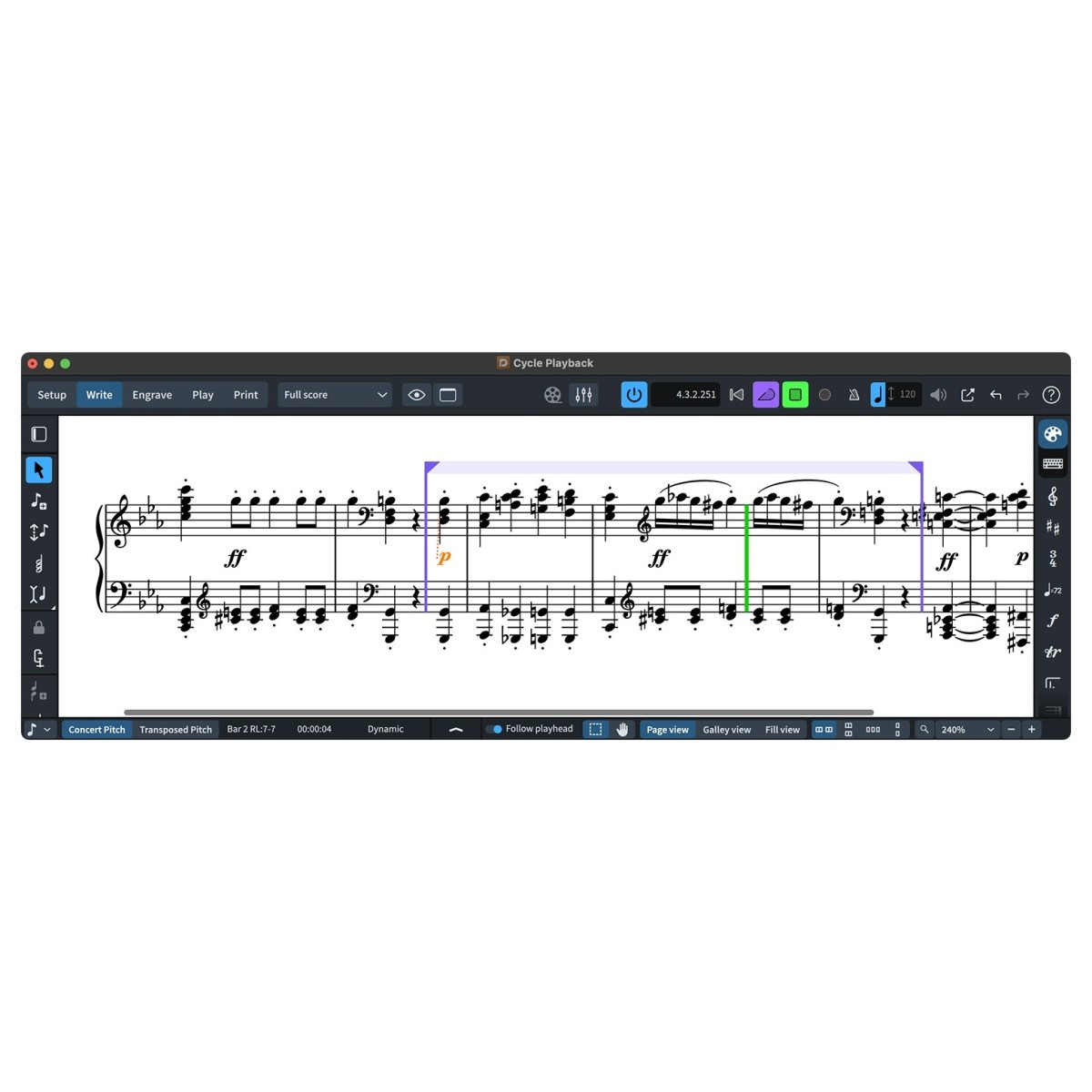
Dorico Elements 6 includes Iconica Sketch and Groove Agent SE, allowing you to hear convincing orchestral and percussion playback as you compose. This makes it easier to assess harmony, orchestration, and balance before rehearsals or performances. New workflow tools such as the Proofreading panel help identify notation issues, while Cycle Playback lets you repeatedly audition passages as you edit. Together, these features make it easier to refine both your music and your score, giving you confidence in every stage of the writing process.
Specifications
- Operating system:
- Mac: macOS Ventura, macOS Monterey, macOS Catalina, macOS Sonoma, macOS Sequoia
- Windows: Windows 10, Windows 11
- Plugin Formats:
- Mac: VST-2, VST-3
- Windows: VST-2, VST-3
- RAM: 8GB
- Disk Space: 16GB
- Product code: 1527-82